Show Dialog Action
About
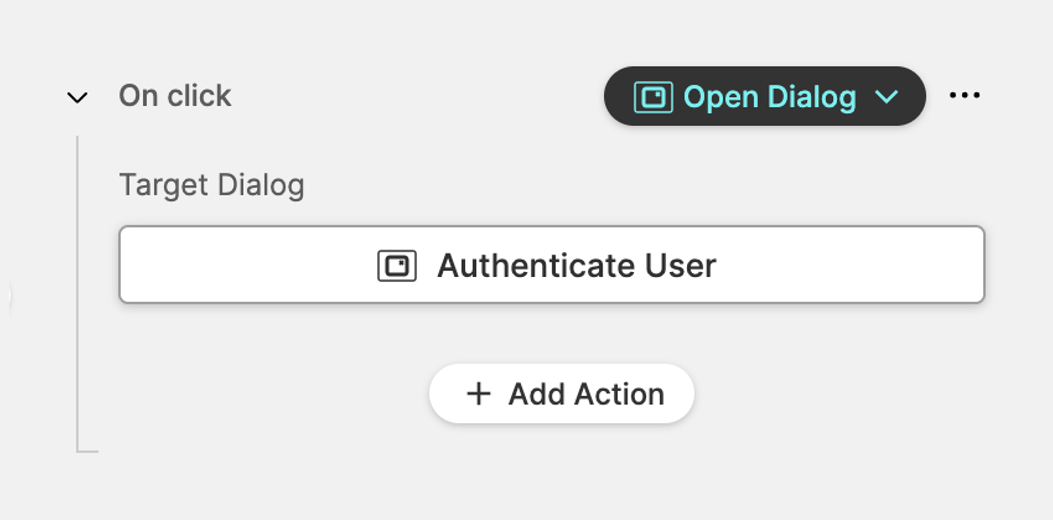
This action lets you show a more flexible dialog than the basic alerts from the Show Simple Alert Action.
- You can open built in or your own custom dialogs.
- This example opens the built in
Authenticate Userdialog.
Built-In Dialogs
The following built-in dialogs are available in HELIO:
Authenticate User
Can be used for signing in and out of the HMI
Choose Language
Can be used to switch the language of the HMI
Switch Units
Allows your operators to switch units that have been
configured in the Internationalization Settings.
Personalization
This allows your operators to customize and override the HMI to
their needs by setting a zoom level. This setting is stored on the client side
for each browser, so the zoom level can be customized for specific touch panels
or operation terminals. The default zoom level can be configured using the
General Settings.
Custom Dialogs
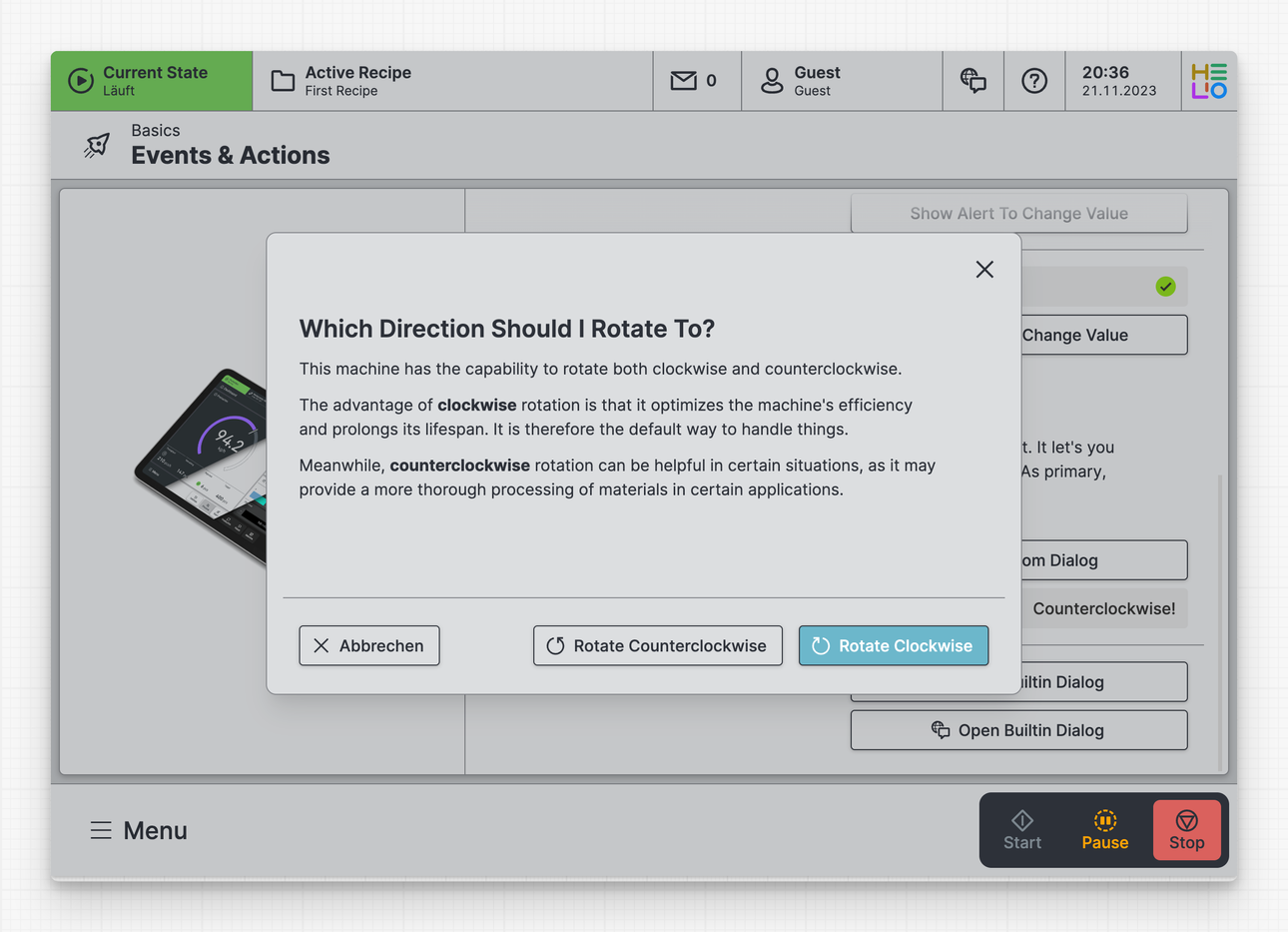
Custom dialogs can be defined by adding new dialog definitions to
the HMI > Dialogs slot.
They allow you to personalize the title and message, as well as add more actions. These actions can be labeled as primary, secondary, or even destructive.